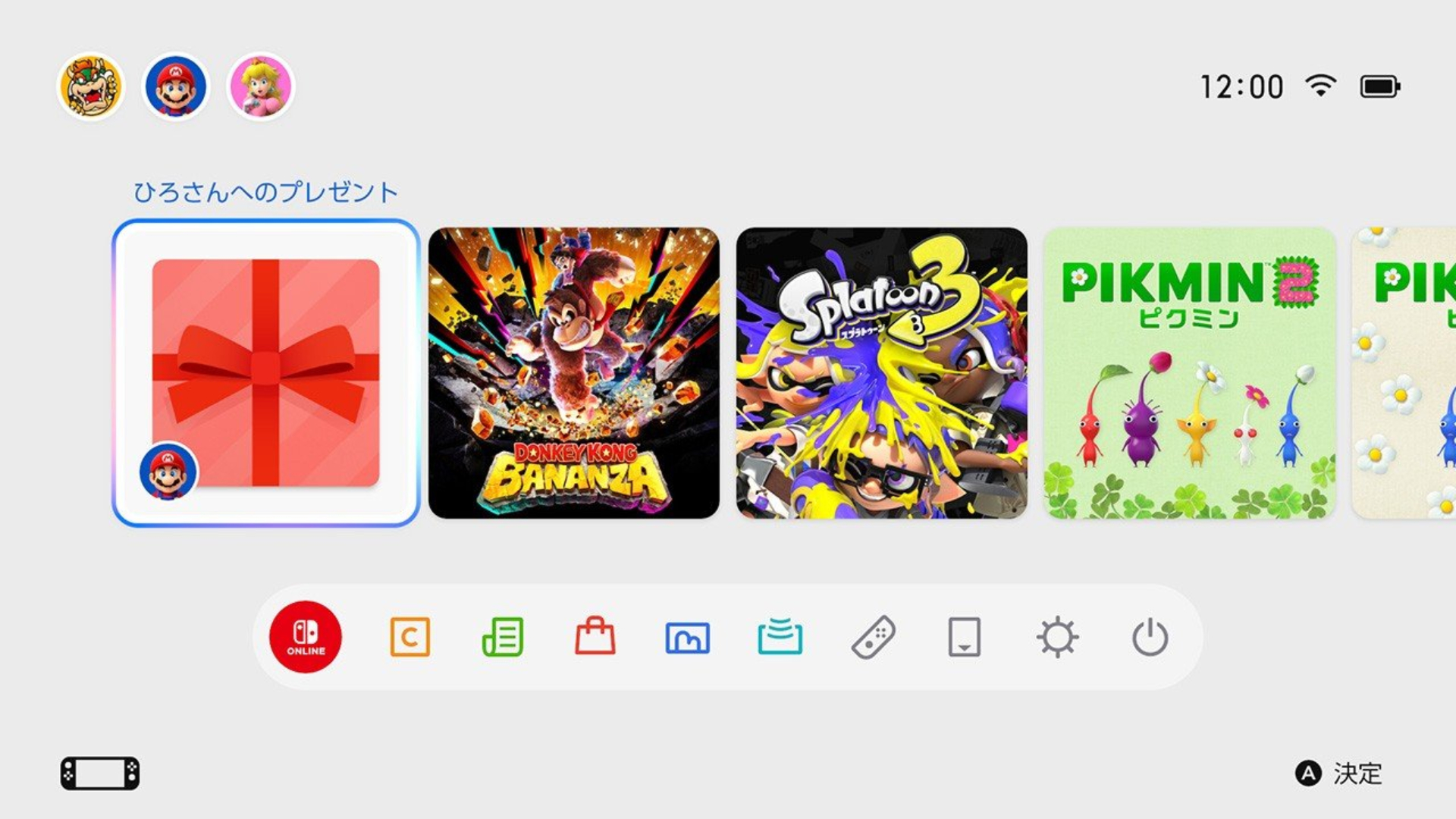
Nintendo Switch and Switch 2 Finally Support Digital Game Gifting, But There’s a Catch
The feature arrives alongside system update 23.5.0, for Nintendo Switch and Switch 2, released November 9.

The wait for Grand Theft Auto VI is nearly over, and players can now begin downloading Rockstar Games’ highly anticipated release ahead of its November 19 launch.
As previously reported, digital pre-loading begins November 10 on PlayStation 5 and Xbox Series X|S, giving players nine days to prepare for launch. However, the download schedule differs slightly between platforms.
On PS5, pre-loading became available at midnight local time on November 10. Xbox Series X|S players received access globally at 12 AM GMT, meaning Canadians in Eastern Time could begin downloading as early as 7 PM on November 9. Players who pre-ordered GTA VI digitally can download the game directly through their respective console’s storefront.
For PlayStation 5 owners, go to your Game Library, find GTA VI under pre-orders, and enable automatic downloads. You can also initiate the download manually through the game’s PlayStation Store listing.
On Xbox Series X|S, open the Microsoft Store, search for GTA VI, and select Install if you’ve already purchased the game. Players can also enable automatic updates through their console settings to ensure downloads begin without additional input.
One important consideration is storage space. Rockstar has confirmed that GTA VI requires up to 212GB of available storage, depending on the platform. That’s a substantial portion of the available capacity on standard PS5 and Xbox Series S consoles.
Unfortunately, downloading the game early doesn’t provide immediate access. GTA VI remains locked until its official November 19 release. This advanced pre-load access simply lets players with slower internet speeds start the installation well before the game launches.
Retail code-in-box editions are also expected to become available beginning November 12. With launch approaching, pre-loading should help players avoid lengthy downloads when GTA VI finally arrives on November 19th.
Want to see more of our stories on Google?

P.S. Want to keep this site truly independent? Support us by buying us a beer, treating us to a coffee, or shopping through Amazon here. Links in this post are affiliate links, so we earn a tiny commission at no charge to you. Thanks for supporting independent Canadian media!