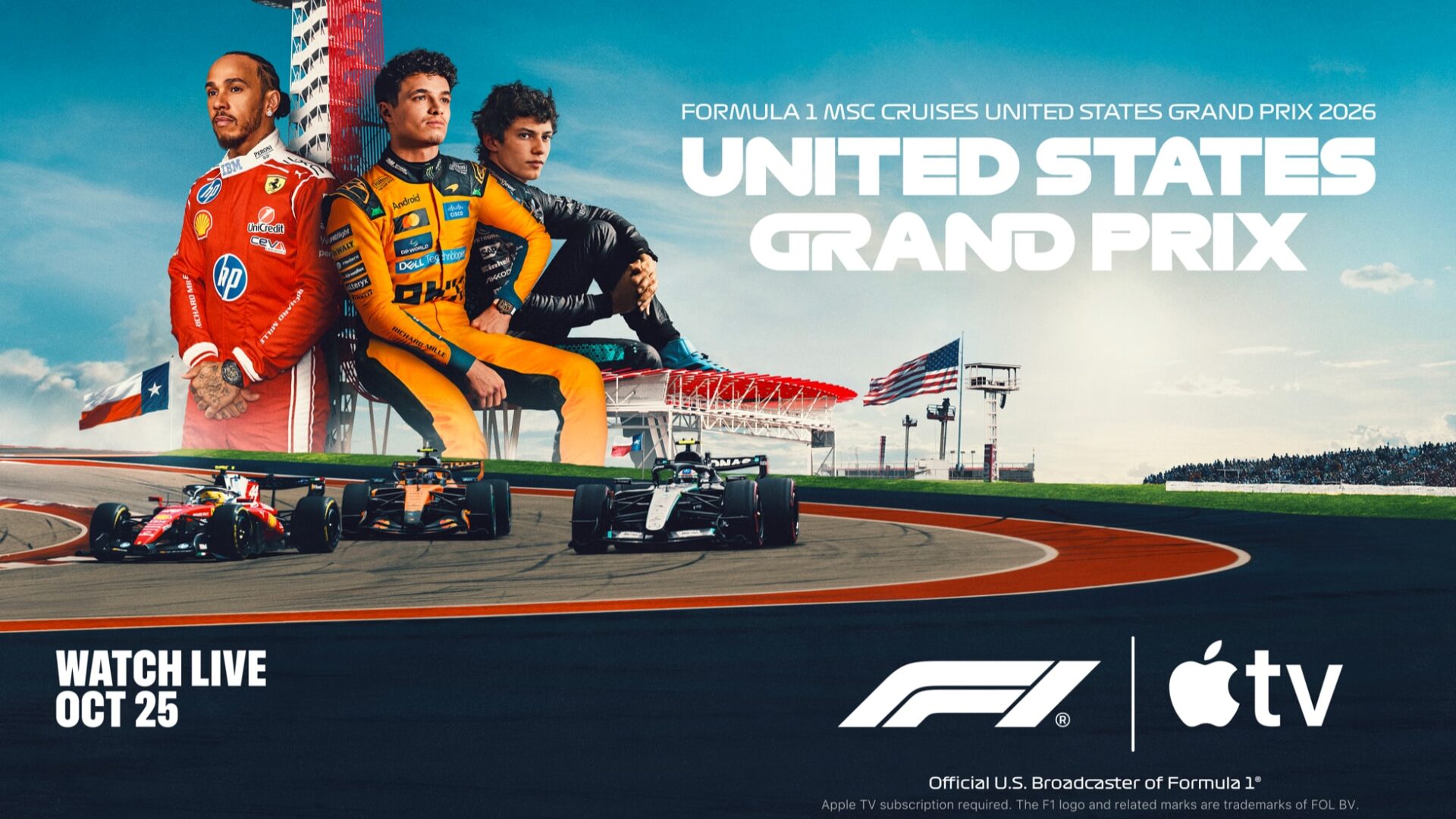
Apple TV to Live Stream 2026 Formula 1 United States Grand Prix
Apple TV is bringing live coverage of the 2026 Formula 1 United States Grand Prix to U.S. subscribers this weekend with spatial audio enhancements.
Apple has today announced a major accessibility update for the Apple TV app, rolling out a built-in sign language interpretation feature designed for deaf and hard-of-hearing viewers.
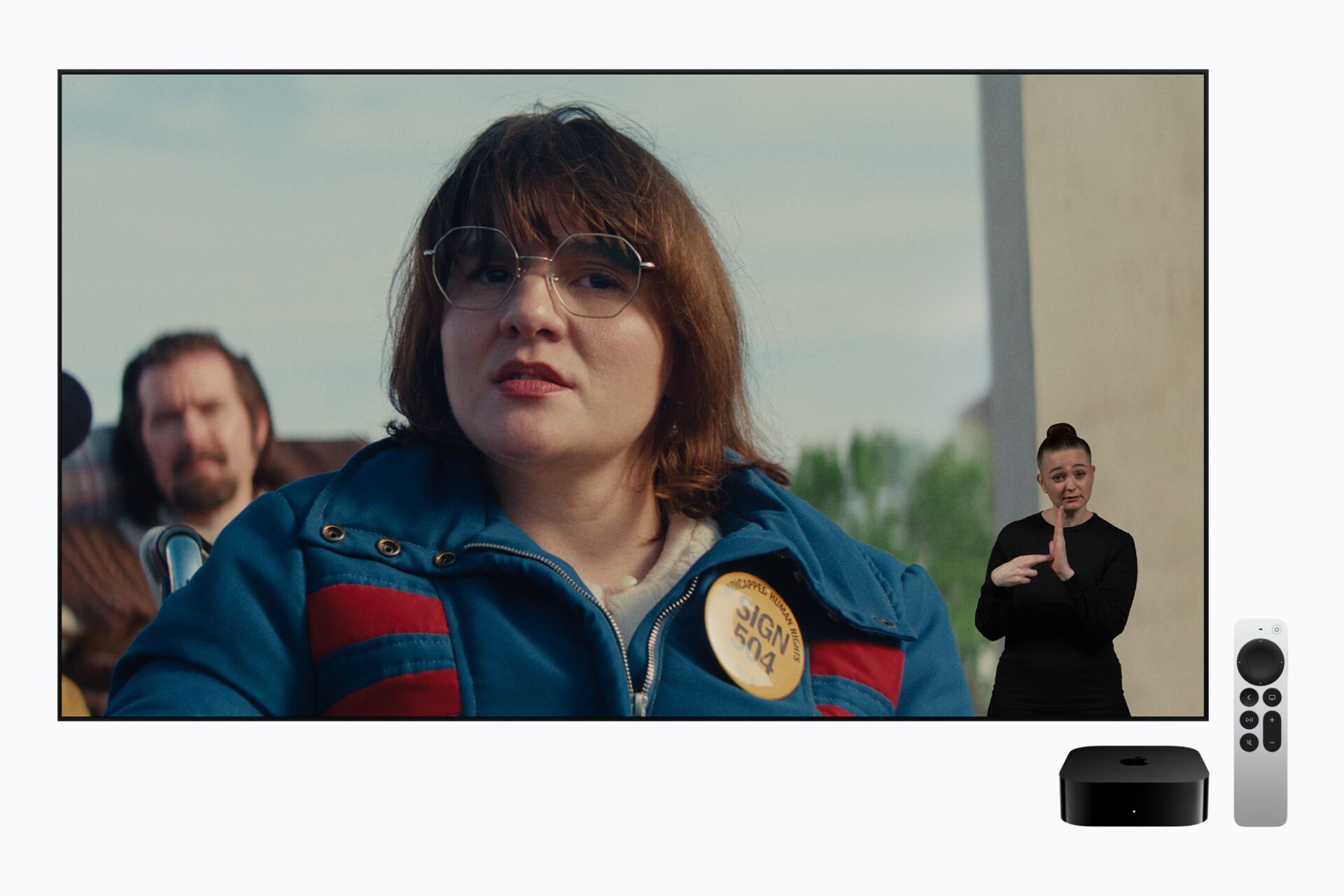
The new option launches globally with both American Sign Language (ASL) and British Sign Language (BSL) support.
According to Apple, the feature will debut with the streaming premiere of the original film Being Heumann, which tells the story of prominent disability rights activist Judy Heumann. Alongside this release, the sports drama F1: The Movie will also support the feature on day one. Additional titles are scheduled to receive support later in the year, including the Tom Hanks war film Greyhound and the upcoming family drama Way of the Warrior Kid.
To use the new tool, users need to update their devices to the latest software versions, such as running version 27.2 or later on an iPhone, iPad, or Mac.
By default, the sign language controls are hidden. Viewers must first open the main Settings app, select the TV app preferences, and turn on the Sign Language display option. Once enabled, a special button featuring a hand icon appears within the player controls on supported titles.
Viewers can then toggle the interpreter on or off and switch between ASL and BSL modes directly while watching. Apple has also added dedicated search filters and browsing collections, allowing users to type terms like “with ASL” or look through a dedicated catalogue to find compatible shows and movies.
Apple says the feature was carefully crafted in collaboration with deaf and native signers to ensure high accuracy and proper emotional nuance onscreen. Actor and director Daniel Durant, who worked on the interpretation for Being Heumann, noted that bringing the feature to life required immense care to make sure the translations matched the true meaning of the stories.
Want to see more of our stories on Google?
P.S. Want to keep this site truly independent? Support us by buying us a beer, treating us to a coffee, or shopping through Amazon here. Links in this post are affiliate links, so we earn a tiny commission at no charge to you. Thanks for supporting independent Canadian media!